Android TV · Fire TV · Android
Installation file (APK) for TVs, TV boxes, Fire TV sticks, tablets and phones.
Fire TV: open the Downloader app and enter the code 3827959.
JetztStream Player plays live TV, movies and series from your own playlist – with channel list, programme guide, favourites and resume.
Choose your device. You can try every device free of charge for 7 days.
Installation file (APK) for TVs, TV boxes, Fire TV sticks, tablets and phones.
Fire TV: open the Downloader app and enter the code 3827959.
The app for Mac (Apple silicon). On first launch: right-click the app → “Open”.
The app for Windows 10 and 11 (64-bit). Unzip it and start “JetztStream Player.exe”.
No installation: open the web app and get started – on Windows, Mac, Linux and any device with a modern browser.
Coming soonSamsung TizenLG webOSiPhone · iPad
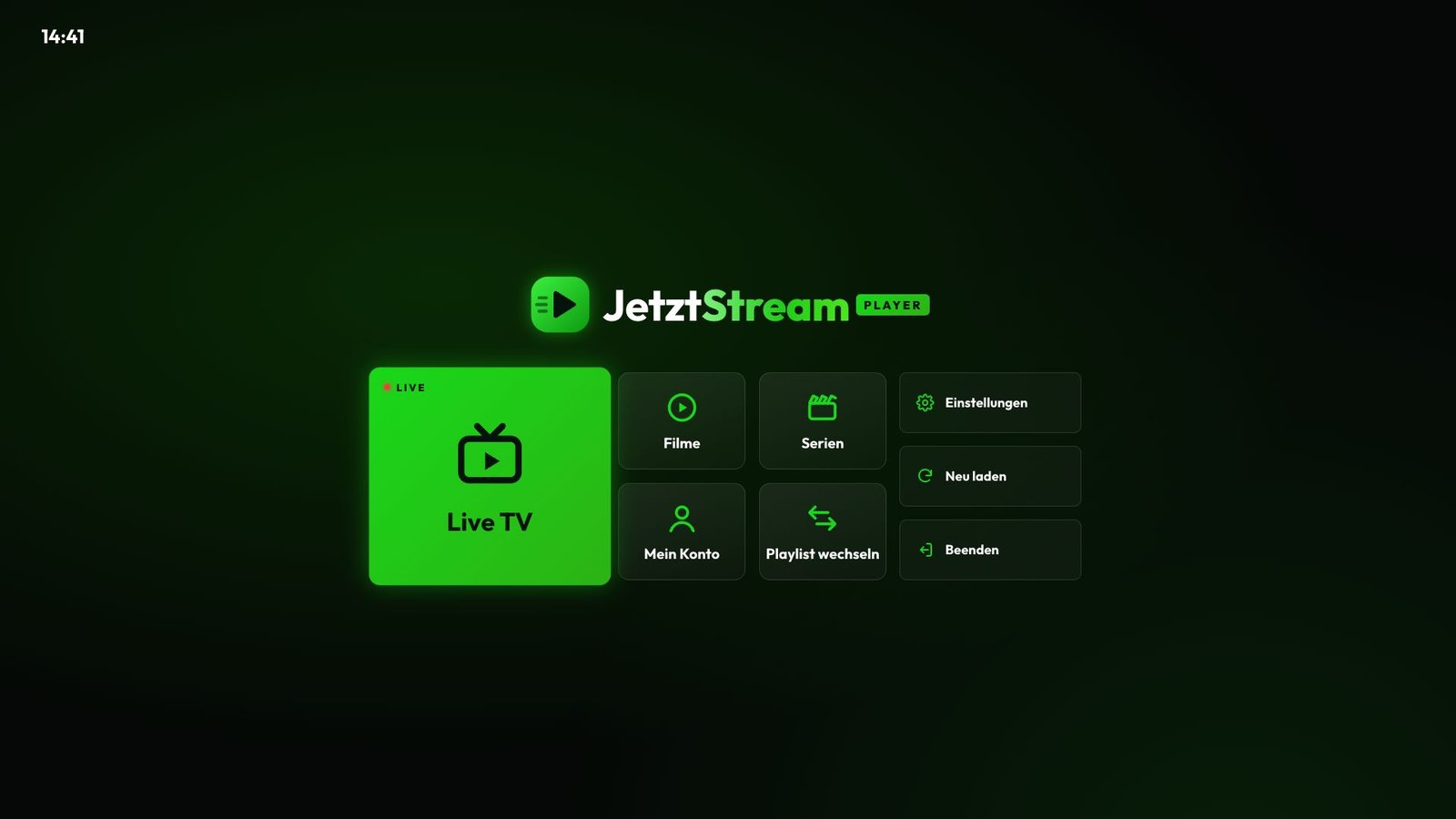
A clear interface made for the remote control – and just as good with touch and mouse.
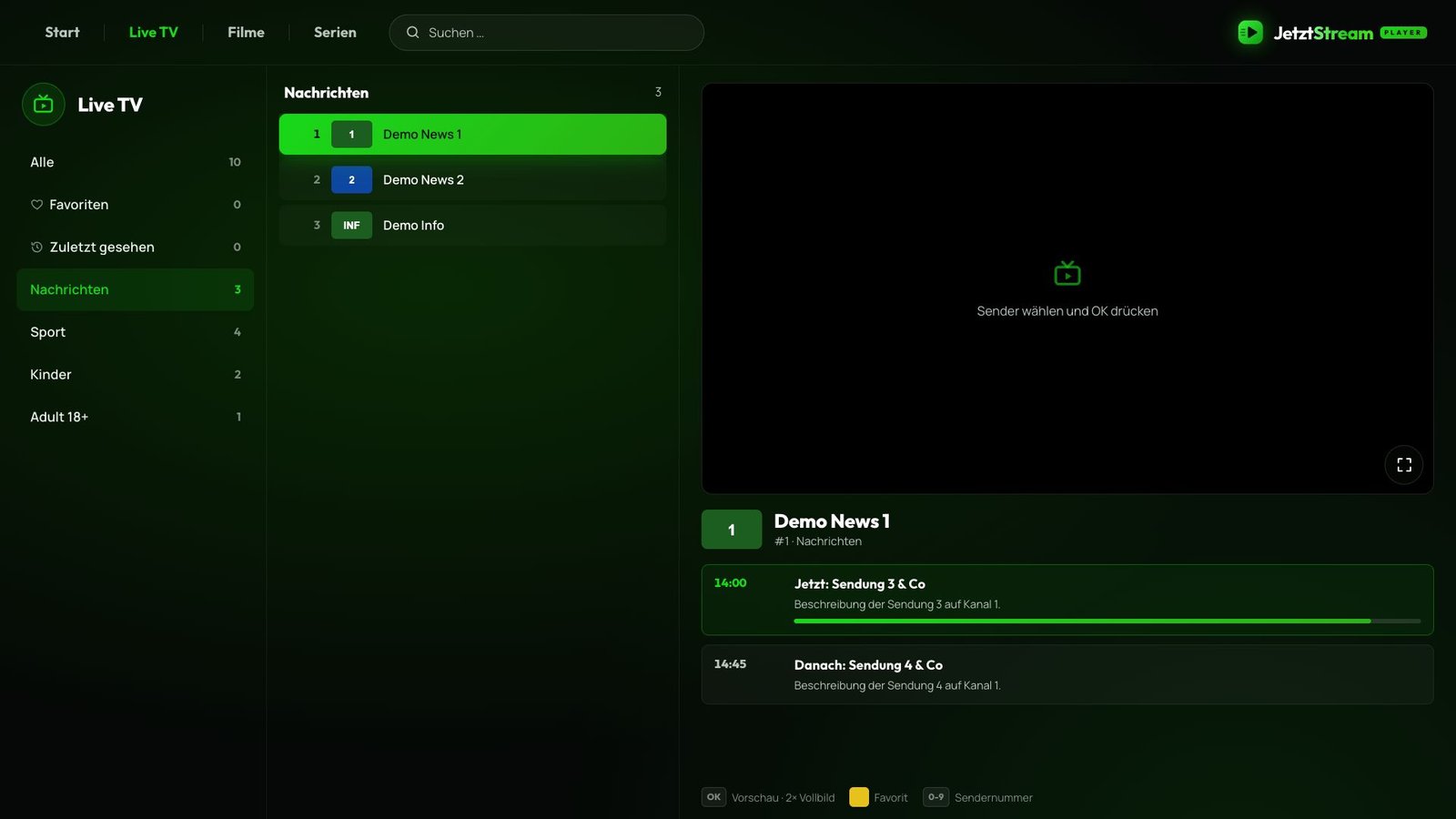
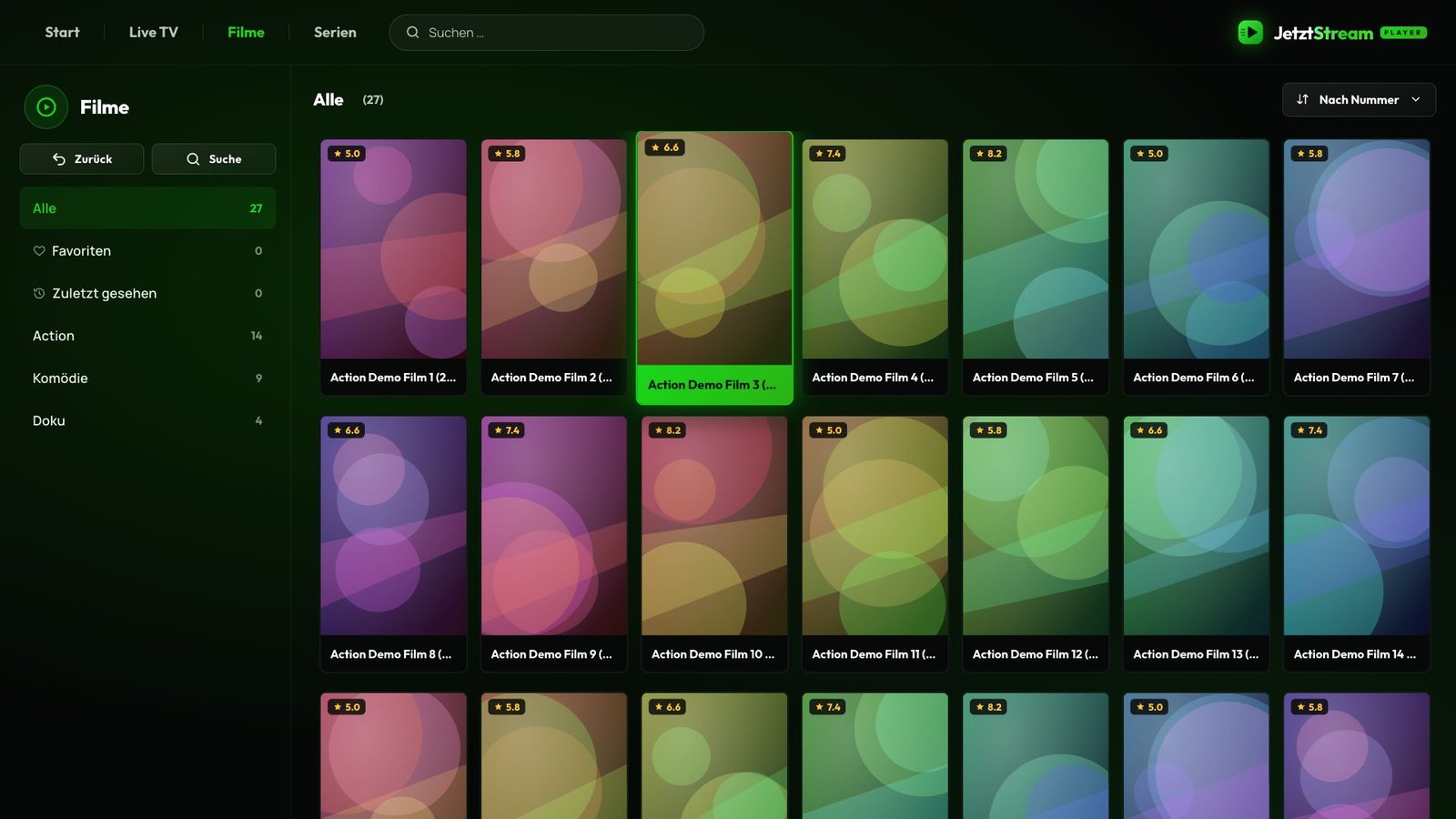
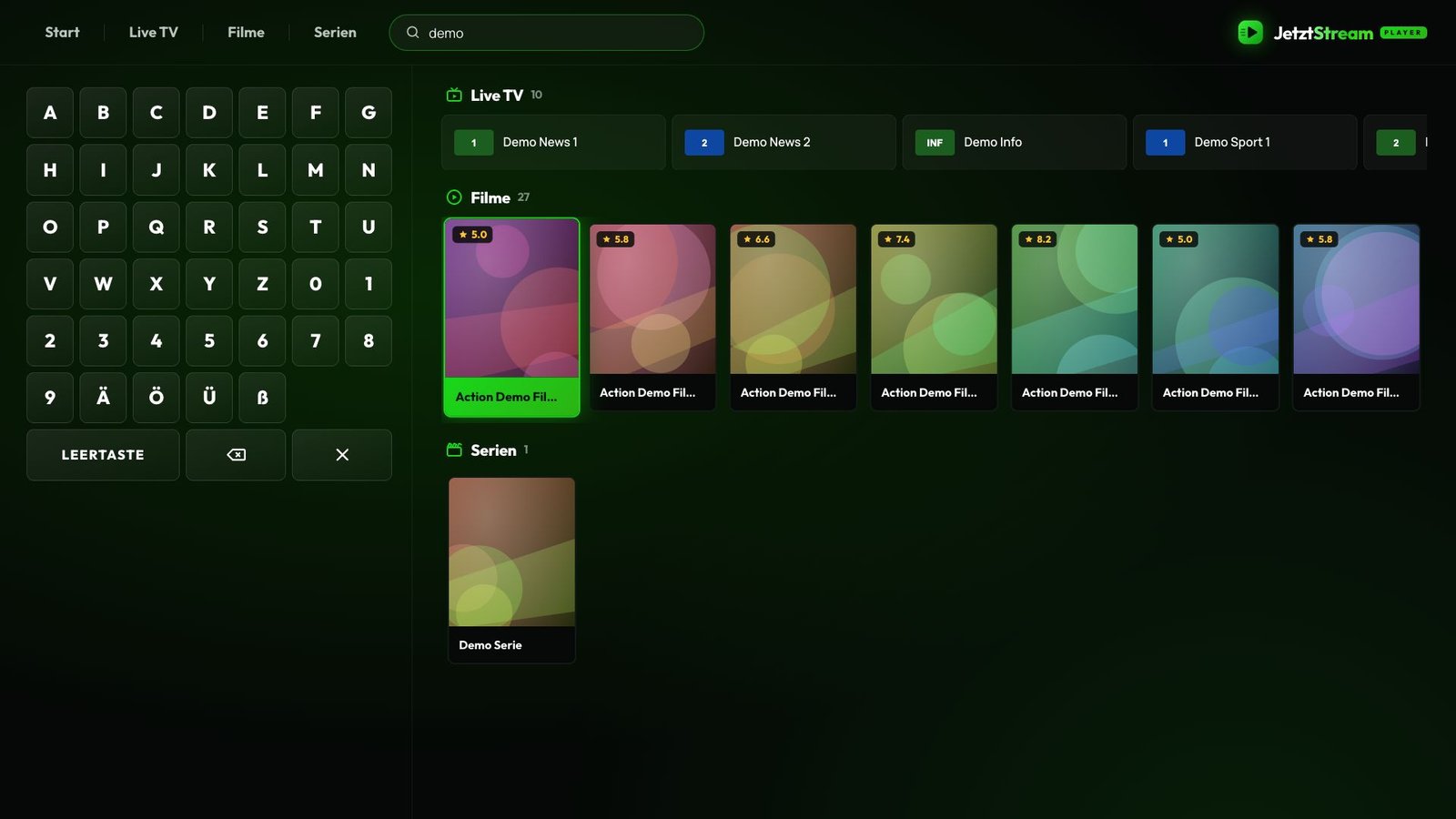
Sample images using our own demo playlist; the app itself provides no content.
JetztStream Player is a fast, clear media player for your own M3U or Xtream playlist. It starts quickly even with very large playlists and automatically reconnects the live stream if your provider cuts the connection.
You manage playlists conveniently on a computer or phone in the portal – or directly in the app. The device ID and key for this are shown on the app’s home screen.
Everything you expect from a good player – without the fluff.
Channel list with preview, categories and programme guide (EPG) – easy to use with the remote control.
Seasons and episodes, resume where you left off and “Next episode” – all in one place.
Find channels, movies and series in one go – on the TV with the on-screen keyboard and remote control.
Locked categories and playlists, protected by a PIN. Forgotten it? Reset it in the portal.
M3U link or Xtream login – several playlists per device, managed conveniently in the portal.
If the stream drops, the app reconnects by itself. You choose audio track, subtitles and speed freely.
Four steps to your first channel.
Download the app for your device and open it.
On first launch the app shows a device ID and a key.
Sign in to the portal and enter your provider’s M3U link or Xtream login.
Press “Reload” in the app – done. After the trial, activate once per device.
Write to us if the setup doesn’t work or you want to activate a device. We will get back to you as soon as possible.